
FHIR and SMART on FHIR
FHIR R4 resources, SMART launch, OAuth, application context, subscriptions, and client-specific implementation support.
PragmaConnect supports EHR integration, HIE connectivity, healthcare messaging, data normalization, and custom interfaces for healthcare products and provider organizations.

From source-system access and message handling to application-ready data, workflow execution, monitoring, and delivery.
FHIR R4 resources, SMART launch, OAuth, application context, subscriptions, and client-specific implementation support.
ADT, SIU, ORU, ORM, interface-engine workflows, mapping, routing, validation, and monitoring.
X12, payer connectivity, eligibility workflows, claim-related data, and custom financial interfaces.
Connect authorized clinical networks, document sources, payer systems, portals, and other healthcare data services.
Convert client-specific formats into consistent resources, workflow objects, and application-ready data models.
Track deliveries, acknowledgements, statuses, errors, retries, timestamps, evidence, and operational metrics.
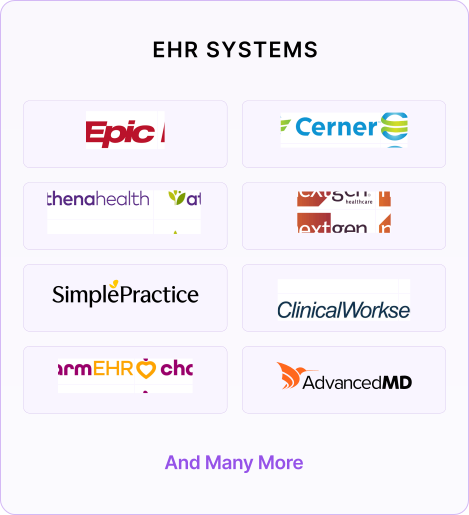
Connect your healthcare applications with 10+ leading EHR systems through PragmaConnect’s standards-based interoperability framework.
Connect your EHR. Connect your workflows. Connect your data.
A FHIR resource or HL7 message may provide the required data, but the user may still need the result delivered to a specific queue, document section, task list, or clinical workflow.
PragmaConnect combines interoperability engineering with workflow design, allowing the implementation to cover both data movement and real operational use.
See how Bridge completes workflows →PragmaConnect can operate as a managed integration layer, be deployed within the client’s environment, or support a hybrid arrangement.
Use PragmaConnect infrastructure, monitoring, support, and integration operations.
Deploy components within the client’s AWS, Azure, or other approved cloud environment.
Integrate PragmaConnect capabilities behind the client’s own product and user experience.
Share the target systems, required data, workflow, expected volume, and deployment constraints. We’ll help define a practical implementation path.