
Review the exact workflow
Define users, source systems, data, required actions, approvals, exceptions, and expected outcomes.
Use APIs and healthcare standards wherever practical. When the required workflow action is unavailable through an API, use provider - authorized automation with review, monitoring, and auditability.
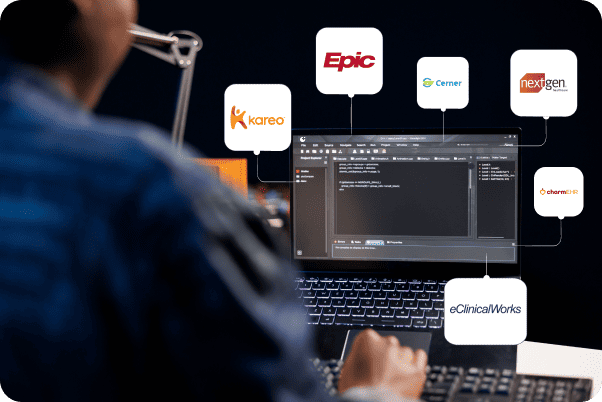
Healthcare applications often need patient and workflow context from the EHR, but they also need to return approved notes, documents, statuses, tasks, or actions to the correct place.
APIs may cover some of this workflow. Bridge is designed to combine APIs, standards, and authorized automation so the complete process can be evaluated step by step.
Bridge is not positioned as browser automation instead of APIs. It is an implementation framework that can use the right approach for each required action.
Define users, source systems, data, required actions, approvals, exceptions, and expected outcomes.
Use FHIR, HL7, X12, SFTP, available EHR APIs, and other supported interfaces wherever practical.
Test missing workflow steps in a sandbox, training, or controlled client environment.
Track execution, screenshots or evidence, errors, retries, changes, and workflow performance.
The exact implementation varies by EHR and client environment, but the operational controls remain consistent.
Use standards and available EHR interfaces before introducing workflow automation.
Complete missing workflow steps using approved accounts, permissions, and client controls.
Keep providers and operational teams in control of important results and exceptions.
Capture timestamps, statuses, inputs, outputs, errors, and supporting execution evidence.
Support retries, manual review, pausing, reprocessing, and controlled fallback paths.
Use versioned mappings and workflow configurations to extend the same application across EHRs.
These are examples of how Bridge can connect an external healthcare application with the EHR. They are not separate products or the limit of what the platform can support.
Bring patient and appointment context into an AI scribe and return provider - approved documentation to the correct EHR location.
Connect scheduling products with appointments, providers, locations, statuses, tasks, and supporting documents.
Automate repetitive clinical or operational actions while preserving approvals, exception handling, monitoring, and audit history.
Connect eligibility applications with patient, payer, coverage, appointment, and provider workflow information.
Connect financial applications with balances, charges, claims, payments, receipts, statuses, and follow - up workflows.
Deliver authorized patient information from EHRs, HIEs, and other sources to the healthcare application.
FHIR, HL7, X12, SMART on FHIR, EHR APIs, HIE connectivity, SFTP, and custom interfaces remain core PragmaConnect capabilities.
Explore technical integration capabilities →Bridge is especially relevant when an application needs to work across multiple EHRs or when available APIs do not support the full provider workflow.
Launch a product across client EHRs without waiting for every integration contract before validating the workflow.
Reduce system switching and re-entry by bringing context into the app and returning approved output.
Automate repetitive tasks while retaining approvals, exception handling, monitoring, and audit history.
We can assess the available APIs, client configuration, login and authentication controls, workflow variations, and production implementation options.